Creating a downloadable concert program
Allow your audience to view your concert program on their devices.
This is an ENCORE feature. View version differences.
Here's how it works.
Save money and paper by not printing your program. Print a few QR Codes and post them at the door and next to the stage. When your audience arrives, they scan the QR Code with their phone and up pops your concert program!
The steps in a nutshell
- Copy your set list
- Copy your member list
- Design your concert program & save as PDF
- Upload PDF to Muzodo
- Create the QR code poster
Copy your set list
If you have your set list in Muzodo, click on the event, click the 'Download' next to the set list and untick the following options.
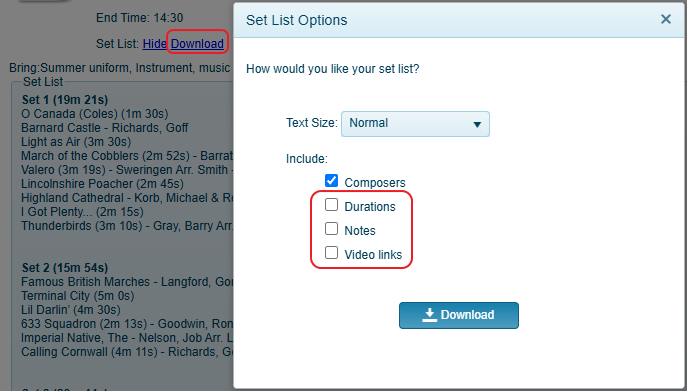
Open your publishing software and copy in the set list, making edits as necessary.
Copy your member list
Back in Muzodo, scroll down to the Event Summary, where your members are listed and click 'Copy to clipboard'. Select the options as shown below and click 'Copy'
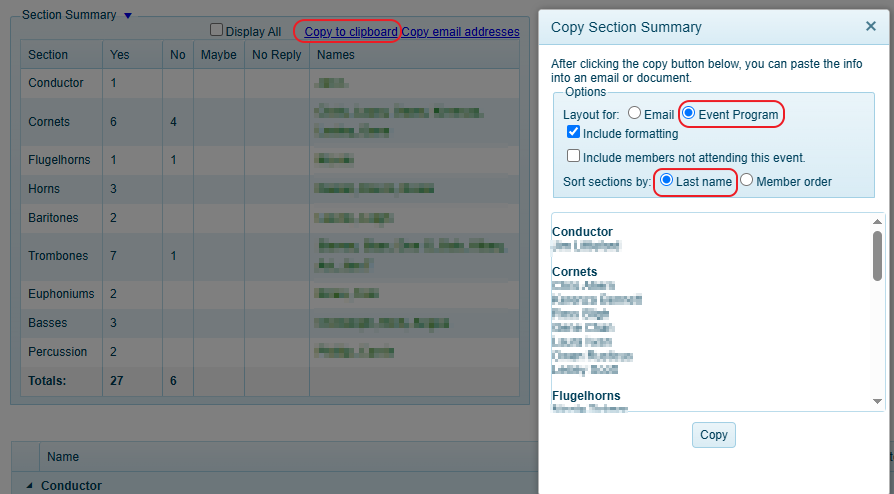
Return to your publishing software and paste in the member list, making edits as necessary.
Design your concert program
Add your logo and any other artwork to make your program look professional as well as thanks and upcoming concerts, etc, and once done, save as a PDF.
Upload PDF to Muzodo
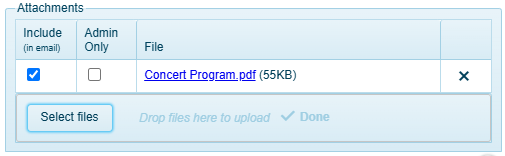
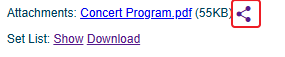
Back in Muzodo, open the event click 'Update Event' and upload your program. Click 'Upload Event' at the bottom and when the popup closes, you'll see a share icon next to your PDF in the attachments.
Create the QR code poster
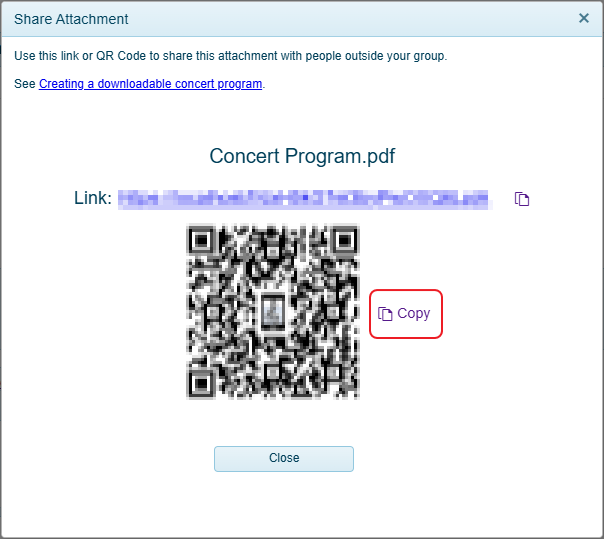
Click on the 'Share icon' next to your PDF and in the popup window, click 'Copy' next to the QR Code.
Paste the QR Code into a separate document (can be just a Word doc) and add instructions 'Scan this for our program' in a large font and print.
Post the QR poster
Ensure to print out several copies and post the poster in various convenient places around the venue.